
Dometic® and Coleman Mach® are two of the most common RV air conditioner brands today. While the general troubleshooting principles are the same across brands, each has specific reset procedures, known failure patterns, and problems.
This guide covers AC repair specifics for each brand, so you can troubleshoot faster and know when a problem is common and expected versus a sign it’s time to call a technician.
Use our complete AC troubleshooting guide for more general information.
Common Dometic® RV AC Problems
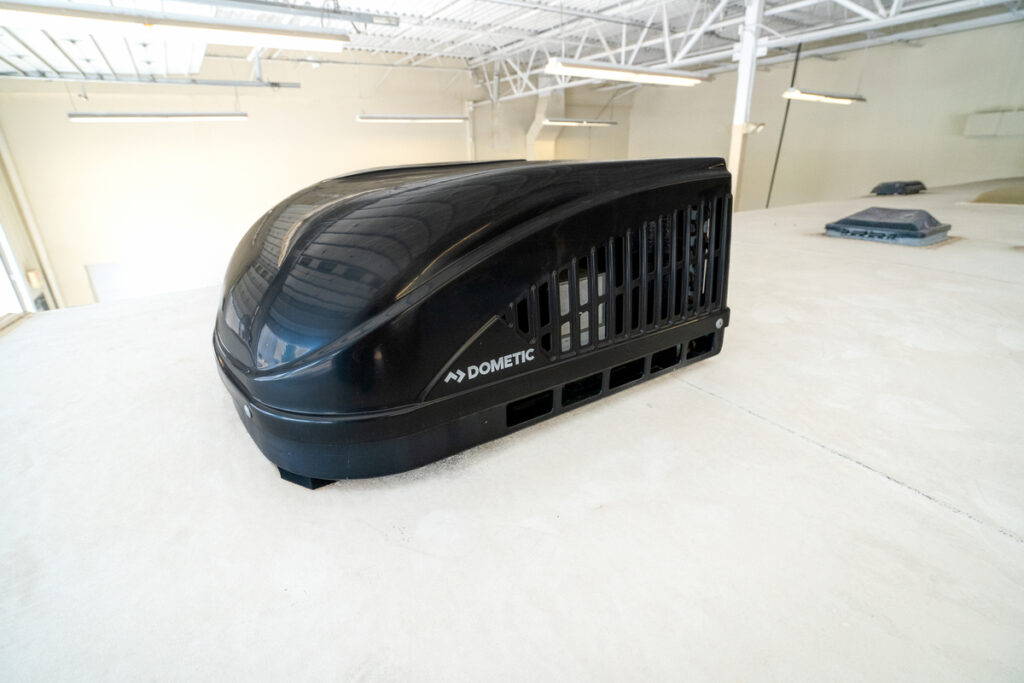
Dometic air conditioners are known for being reliable overall, but these common issues are worth knowing about.
Why Is My Dometic® RV AC Not Getting Cold?
This is the most frequent complaint about Dometic units, and it has two very different possible causes, each with a very different price tag. The fan runs, the unit sounds normal, but the air stays warm.
Before assuming a failed compressor, it’s worth checking the thermostat. On some Dometic systems, the thermostat may fail to send the signal to engage the compressor, even when the display appears normal.
- If the compressor never engages (no hum, no click, nothing), suspect the thermostat first.
- If you hear the compressor attempt to start but it doesn’t stay running, this points more toward a compressor or capacitor issue.
If you’re hearing this on your unit, see our full guide to diagnosing and replacing an RV AC capacitor for more guidance.
Is There a Reset Button on a Dometic® RV AC?
Some Dometic units have a small, recessed reset button on the control board inside the unit shroud. Other Dometic systems, particularly those using the Comfort Control Center 2 (CCC2) thermostat, don’t have a physical button on the unit; the reset is performed via the thermostat. Check your owner’s manual to confirm which reset method applies to your specific model.
How To Reset a Dometic® RV Air Conditioner
There are two reset methods depending on your model:
Method 1: Control Board Reset Button
- Locate the recessed reset button on the control board inside the unit shroud (rooftop access required).
- Press and hold for 3-5 seconds.
- Restore power and wait 3 minutes before testing.
- There may also be 1-2 fuses on the control board that should be tested.
Method 2: Comfort Control Center 2 (CCC2) Thermostat Reset
- Turn off the thermostat.
- Press and hold MODE and ZONE simultaneously.
- Wait for the display to show “IniT.”
- Allow the system to complete its initialization before testing.
Technician Tip: For CCC2 systems, you may also need to verify that the thermostat’s programmable cycle timer feature is disabled, if so equipped. Also, ensure the thermostat is properly configured for degF, FAN:AUTO, and COOL. This thermostat has a fast-acting 2-amp fuse mounted low in the board behind the thermostat cover.
If neither reset method resolves the issue, the fault is likely something a reset can’t fix. See our full RV AC troubleshooting breakdown for more diagnostic tips, or schedule a technician visit directly.
What Do Dometic® Error Codes Mean?
Dometic Comfort Control systems display error codes on the thermostat screen. These codes point to a specific fault. Check your owner’s manual or the support app for a full list of codes and their meanings for your specific model.
How To Tell If Your Dometic® Thermostat Is Bad
As mentioned above, a failing Dometic thermostat can mimic a dead compressor. But there are other potential issues to check as well. You’ll find more testing procedures and replacement recommendations in our full guide to RV thermostats.
Common Coleman Mach® RV AC Problems
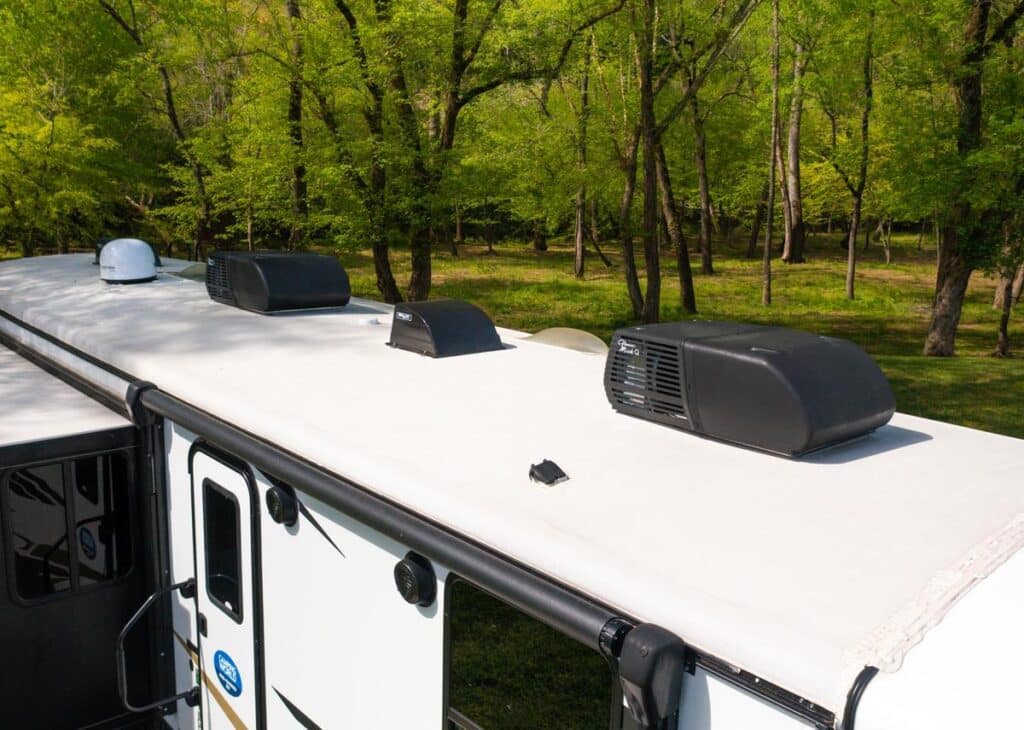
Coleman Mach® units are built differently from Dometic systems in a few key ways, which means they tend to develop different problems.
Not Blowing Cold
The most frequent cause on Coleman Mach units is the run capacitor. It’s a well-documented wear item on these units and one of the most commonly replaced parts. A failing capacitor often first appears as a buzzing or humming sound when the compressor tries to start, sometimes with reduced cooling performance, before the unit stops cooling entirely.
If your Coleman Mach is blowing warm air and you’ve also noticed a new buzzing or clicking sound, the capacitor is the first thing worth having checked by a certified technician.
Resetting My Coleman Mach® AC
- Turn off the AC at the thermostat.
- Shut off 120VAC power at the RV’s breaker panel (Coleman Mach units don’t have an external reset button for this purpose).
- Wait at least 3 minutes.
- Restore power and allow 20-30 minutes of runtime before evaluating performance.
If the caps or the compressor have gotten really hot while trying to run, it may require up to 30 minutes for the thermal disconnect to cool off and reset. If this happens twice, stop trying to get it to run and have a certified technician perform an inspection to prevent further damage.
Technician Tip: Coleman Mach units have a separate red thermal overload reset button on the compressor, but that’s specifically for clearing an overheating shutdown. If your unit shuts off suddenly rather than simply underperforming, that button is worth checking. Some are manually reset, and some automatically reset when they cool down. The difference is clear from the presence (or absence) of the reset button on the thermal disc (usually on top of the compressor).
Dometic® vs Coleman Mach®: Repair Differences
While both brands share the same fundamental cooling technology, a few practical differences affect how you’ll troubleshoot and repair each one:
- Reset method: Dometic varies by model (control board button or CCC2 thermostat sequence); Coleman Mach uses a breaker cycle for general resets, with a separate thermal overload button on the compressor.
- Most frequently reported failure point: Dometic issues more often trace back to the thermostat signal; Coleman Mach issues more often trace back to the run capacitor.
- Diagnostics: Dometic Comfort Control systems display error codes directly on the thermostat; Coleman Mach systems generally don’t, so diagnosis relies more on the noise and performance symptoms.
- Grounding: Unlike the Dometic, the Coleman Mach requires a dedicated ground wire connected to the ceiling assembly board at the B- terminal on the outside of the control board box. This is located high in the return air plenum.
- Parts availability: Both brands are widely serviced, and OEM-compatible parts are readily available for either at a certified RV service center.
Technician Tip: The associated terminal connectors on the outside of the Coleman Mach’s control board box may develop light oxidation, which can cause a loss of connectivity. Removing and reinstalling the terminal 3-4 times can clean them up and reestablish connectivity. These terminals should be tight. If they are loose, try gently squeezing them down with a pair of pliers before reinstalling.
When to Call a Technician for Brand-Specific Repairs
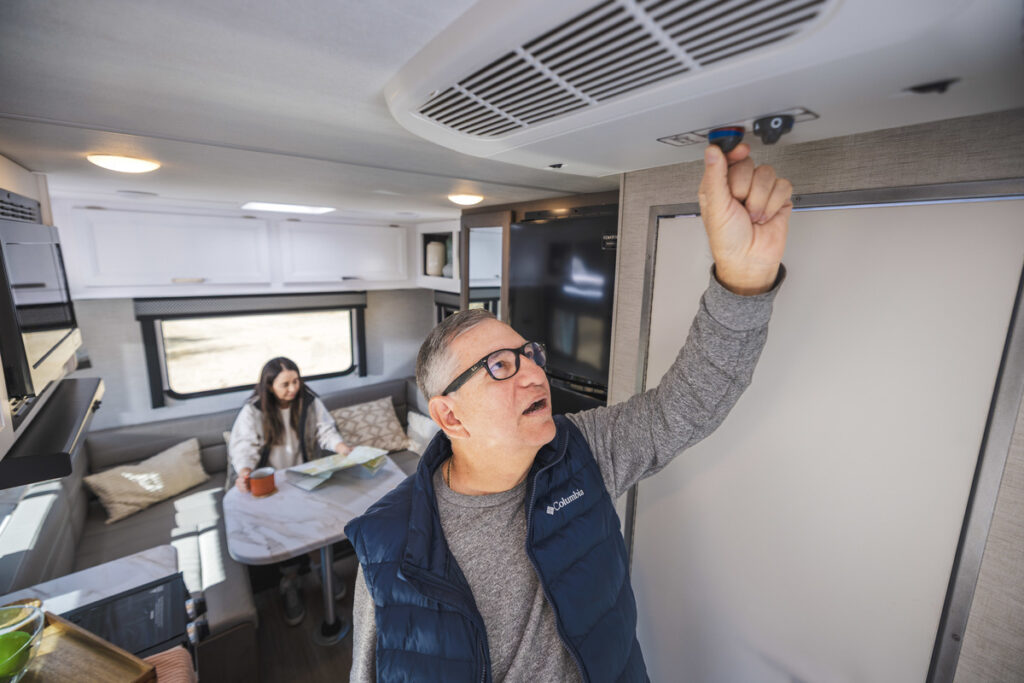
Certain symptoms point to repairs that go beyond a reset or basic troubleshooting:
Dometic: a confirmed thermostat failure (signal never reaches the compressor even after testing), a Comfort Control error code indicating a component fault, or a compressor that doesn’t respond to any reset method.
Coleman Mach: a capacitor that’s confirmed or suspected to be failing (buzzing/clicking with reduced cooling), or a thermal overload that trips repeatedly even after voltage has been confirmed adequate.
Camping World’s certified technicians are trained on both Dometic and Coleman Mach systems and carry OEM-compatible parts for each.
If your air conditioner is a different brand or you’re not sure what’s causing the problem, start with our RV Air Conditioner Troubleshooting Guide for general diagnostics that apply to any RV AC.
Did this guide help you troubleshoot your Dometic or Coleman Mach AC? Let us know in the comments below!



I cleaned the roof unit and the inside unit of my RV Coleman Mach 3 plus ductless A/C unit and after I put it all back together I noticed that the on/off knob now only works where the temperature knob was before and the temperature knob now only works where the on/off knob was. Is it ok to leave it that way ?
Hi April!
Short answer: Yes, it’s okay to leave it for now if the unit otherwise works normally.
What most likely happened is that during reassembly of the ceiling assembly, the two control shafts were swapped. On a typical Coleman Mach 3 Plus, one control is the selector switch (On/Off + fan speeds + cool modes), and the other is the thermostat (temperature). The functions themselves are still intact; they’re just in the opposite physical locations.
It’s important to confirm that you have normal airflow from the output vents and that the unit is cooling properly. If both of those are good, you can leave it as is with the understanding noted below. Otherwise, it should be corrected.
Is it safe?
If the unit turns on and off correctly with one knob, and the other knob properly controls temperature and compressor cycling, then yes, it is functionally fine. There is no electrical or safety issue simply from the controls being reversed. Just be aware that the printed labels on the faceplate no longer match the actual functions, which can be confusing later (especially for someone else using the RV).
Correction:
Open the ceiling assembly again and swap them back, so the functions match the labels. In most cases, this is straightforward:
Remove all power from the coach (shore power and 12V DC).
Remove the filter, control knobs, and the plastic shroud/ceiling assembly cover.
Inspect the orientation of the air distribution box and correct it if needed. Reinstall the shroud/ceiling assembly and place the control knobs back in their proper locations.
Finish reassembly and test.
If you would like guided assistance and you are a Good Sam member, you can reach out to our Tech Support team at 844-649-4700. They can walk you through the process, and you can email photos so the reassembly can be reviewed. If you’re not a member, consider joining. You’ll have access to the RV Tech team 7 days a week for troubleshooting, maintenance guidance, and next-step advice.